To open or create a file using Vim, run the following command, then press i to insert text into it (insert mode):
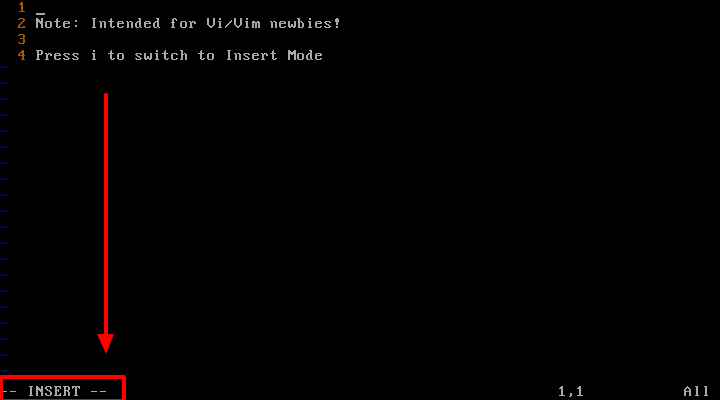
Press ‘i’ to Insert Mode in Vim Editor
Once you have modified a file, press
[Esc] shift to the command mode and press :w and hit [Enter] as shown below.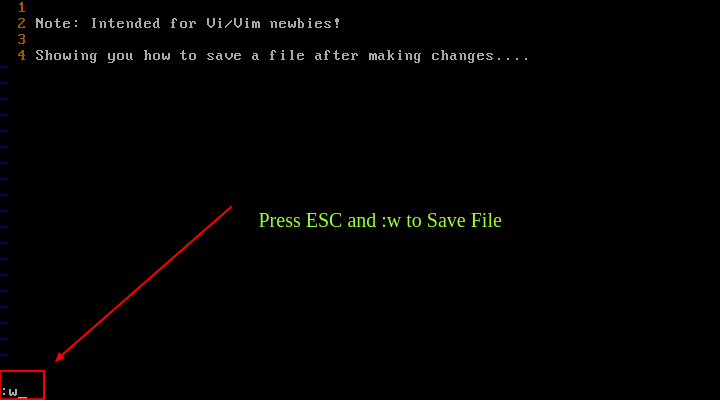
Save File in Vim
To save the file and exit at the same time, you can use the
ESC and :x key and hit [Enter]. Optionally, press [Esc] and type Shift + Z Z to save and exit the file.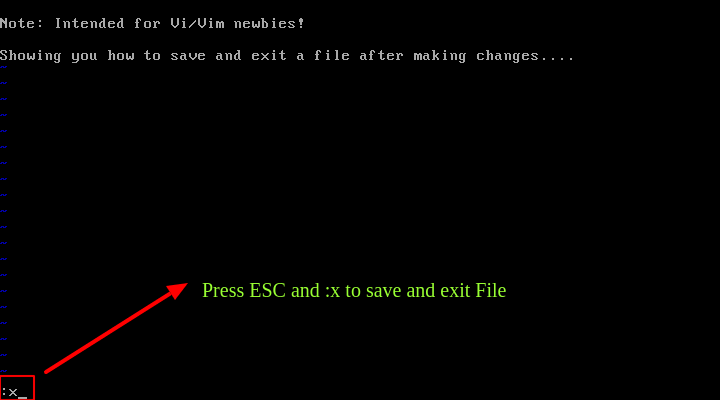
Save and Exit File in Vim
To save the file content to a new file named newname, use
:w newname or :x newname and hit [Enter].From here, you can now move over to learn common Vi/Vim tips and tricks, understand the different modes and so much more:


No comments:
Post a Comment